To schedule a YouTube community post, sign in to YouTube on a computer, choose Create, then Create post, write the post, click the arrow next to Post and choose Schedule post, then pick the date, time and time zone. YouTube’s Data API cannot create posts, so schedulers such as SkedCast schedule your videos and Shorts instead.
Key takeaways
- YouTube schedules community posts itself: Create post, then Schedule post from the arrow next to Post.
- Posts can be text, images, GIFs, videos, polls or quizzes; scheduled ones show in YouTube Studio.
- YouTube’s Data API cannot create posts, so no third-party scheduler can publish them.
- Schedule the video or Short in a scheduler, then schedule the post that promotes it in YouTube.
On this page
Can you schedule YouTube community posts?
Yes, in YouTube itself. YouTube’s Help Center describes a Schedule post option for posts created on a computer, and scheduled posts appear in YouTube Studio and in the Scheduled section of the channel’s Posts tab. Posts are not available on supervised channels or channels set as made for kids, and YouTube limits how many posts a channel can create in 24 hours.
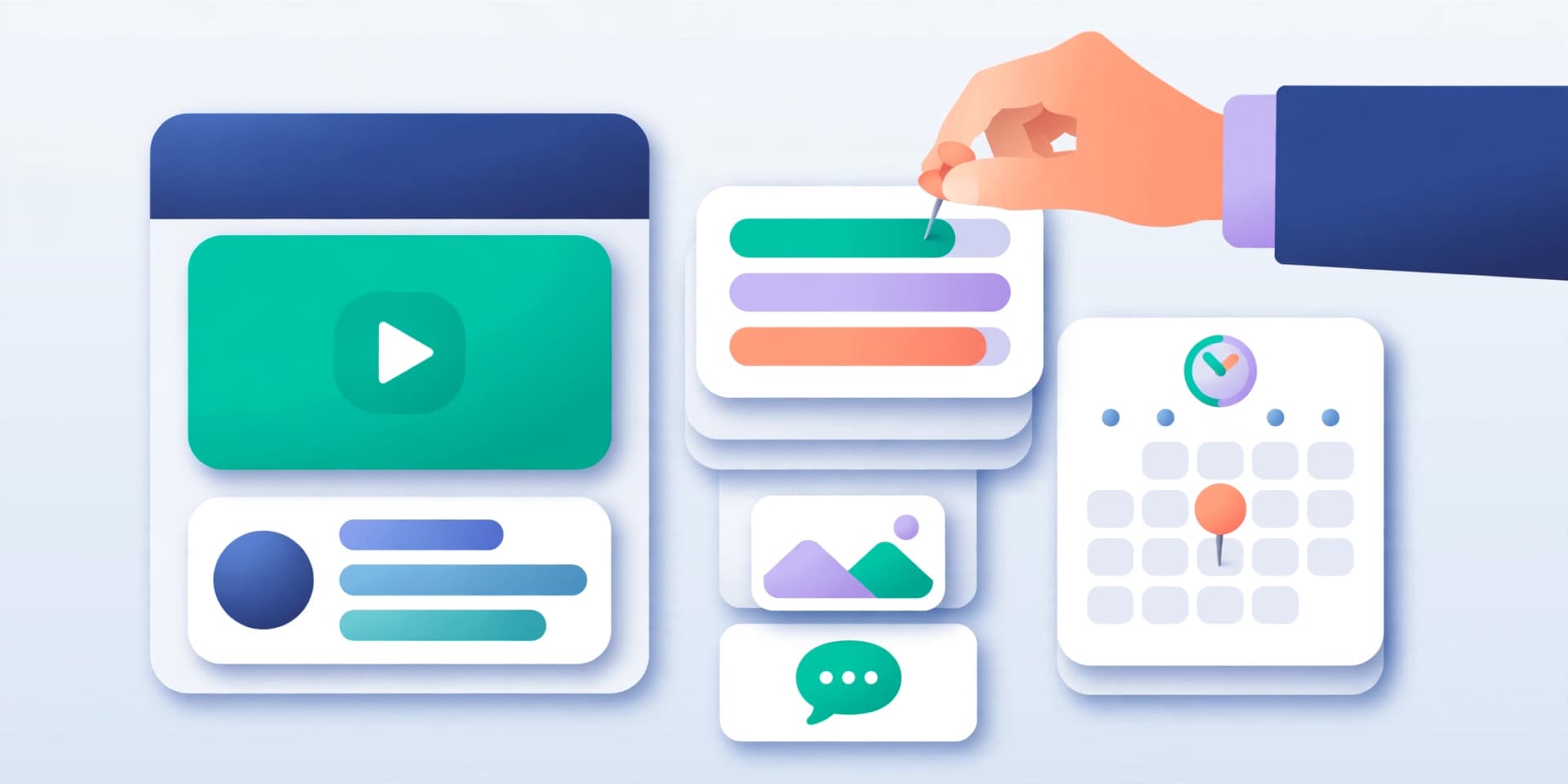
How do you schedule a community post in YouTube?
The post waits in YouTube Studio until its time. YouTube does not state how far ahead a post can be scheduled.
Start a post
Sign in to YouTube on a computer, then choose Create and Create post.
Write it
Type the text, or choose an image, GIF, video, poll or quiz from the menu below the box.
Choose Schedule post
Click the arrow next to Post and select Schedule post.
Set the time
Pick the date, time and time zone, then select Schedule.
Why can’t third-party tools schedule YouTube community posts?
Because YouTube’s Data API, the only official way for an app to publish to YouTube, uploads and manages videos but has no method for creating a post. Any tool that claims to publish community posts automatically is not using YouTube’s official API.
| Format | In YouTube | Through a scheduler like SkedCast |
|---|---|---|
| Videos | Yes, in YouTube Studio | Yes |
| Shorts | Yes, in YouTube Studio | Yes |
| Community posts (text, image, poll, quiz) | Yes, Schedule post | No: the API cannot create posts |
How do you plan community posts around scheduled videos?
Schedule the video or Short first, then use posts to build up to it and keep the conversation going: a teaser image the day before, a poll after it goes live. SkedCast schedules the YouTube videos and Shorts with titles, tags, chapters, subtitles, a custom thumbnail and a first comment, and imports a batch at once with bulk scheduling. See how to schedule YouTube videos for the steps.

Sources
FAQ
- Can I schedule YouTube community posts with a third-party tool?
- No. YouTube’s Data API has no way to create posts, so no scheduler using it can publish them. Schedule them in YouTube with Schedule post.
- How do I schedule a post on YouTube?
- On a computer, choose Create, then Create post, write the post, click the arrow next to Post, select Schedule post, and set the date, time and time zone.
- Where do I find scheduled YouTube posts?
- In YouTube Studio and in the Scheduled section of your channel’s Posts tab.
- Can I still schedule YouTube videos and Shorts with SkedCast?
- Yes. SkedCast schedules videos and Shorts through YouTube’s Data API, with titles, tags, chapters, subtitles, a custom thumbnail and a first comment.
- Is there a limit on YouTube posts?
- Yes. YouTube limits how many posts a channel can create in 24 hours; if you see a limit reached message, try again a day later.