Key takeaways
- Post images: JPG, PNG or GIF; 1080 × 1350 (4:5), 1200 × 1200 (1:1) or 1200 × 627 (1.91:1) fit the feed; 2 to 20 images in one post.
- Profile: photo PNG or JPG up to 8 MB, 400 × 400 to 7680 × 4320 pixels; cover 1584 × 396, under 8 MB.
- Company Page: logo 400 × 400, cover 1512 × 256, PNG or JPEG up to 3 MB.
- Custom images for link posts from a Page: 1200 × 627 (1.91:1).
On this page
What size should a LinkedIn post image be?
LinkedIn’s API accepts JPG, GIF and PNG images under 36,152,320 pixels (GIFs up to 250 frames), and a multi-image post holds 2 to 20 of them. LinkedIn does not publish one required feed size; a 4:5 portrait or a square image takes the most room in the feed, and 1.91:1 suits wide images and link posts. Keep one ratio across a multi-image post.
| Post image | Size to use | LinkedIn’s rule |
|---|---|---|
| Portrait | 1080 × 1350 (4:5) | JPG, PNG or GIF under 36,152,320 pixels |
| Square | 1200 × 1200 (1:1) | JPG, PNG or GIF under 36,152,320 pixels |
| Landscape or link image | 1200 × 627 (1.91:1) | Wider than 200 px for a Page’s custom link image |
| Multi-image post | The same ratio for every image | 2 to 20 images |
What size is a LinkedIn profile photo and cover image?
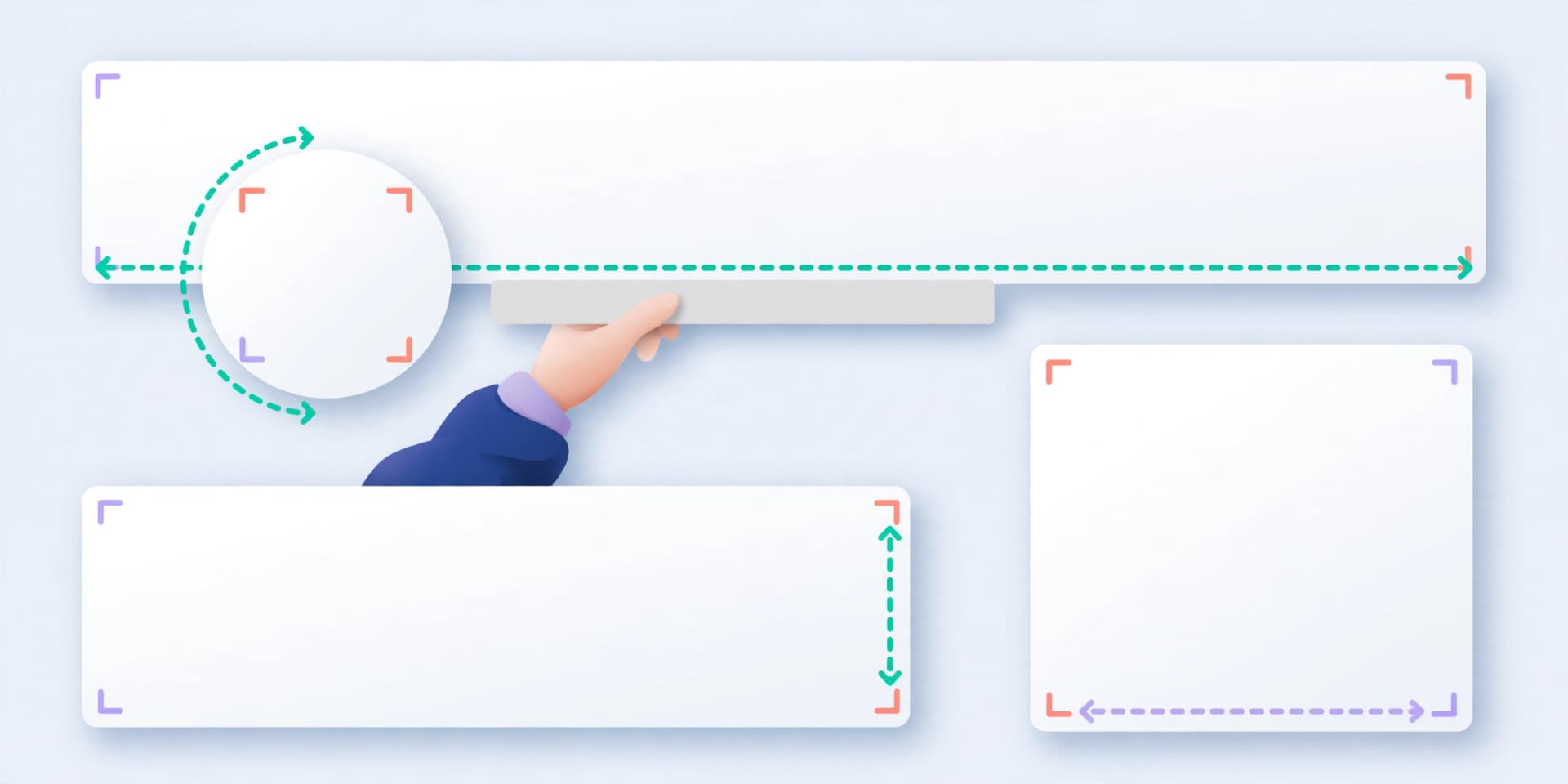
Your profile photo must be a PNG or JPG up to 8 MB, between 400 × 400 and 7680 × 4320 pixels; it shows as a circle, so keep your face in the centre. The cover image behind it is a JPG or PNG under 8 MB, recommended at 1584 × 396 pixels. On a phone the photo overlaps the cover’s lower left, so keep text away from that corner.
| Image | Size | File |
|---|---|---|
| Profile photo | 400 × 400 to 7680 × 4320 px | PNG or JPG, up to 8 MB |
| Profile cover | 1584 × 396 px recommended | JPG or PNG, under 8 MB |
What size are LinkedIn Company Page images?
Page images are PNG or JPEG, up to 3 MB; LinkedIn recommends JPEG for the best resolution. Life tab images need a Career Page.
| Image | Recommended size |
|---|---|
| Logo | 400 × 400 px (at least 268 × 268) |
| Cover image | 1512 × 256 px |
| Life tab main image | 1128 × 376 px |
| Life tab custom modules | 502 × 282 px |
| Life tab company photos | 900 × 600 px (at least 264 × 176) |
| Custom image on a link post | 1200 × 627 px (1.91:1) |
How do you schedule image posts to LinkedIn?
SkedCast checks each image as you add it: JPEG, PNG or GIF up to 5 MB, ratios from 4:5 to 1.91:1, and up to 20 images in one post. Resize with the image resizer, check the text with the LinkedIn character counter, and see the LinkedIn scheduler for documents, video and Page posts.
Pick one ratio
4:5 or 1:1 for the feed, 1.91:1 for wide images.
Export the images
JPG or PNG, resized with the image resizer if needed.
Write the post
Up to 3,000 characters, with alt text on each image.
Schedule it
Pick your profile or Page and the time, or import a batch.

Sources
- LinkedIn Help — Image specifications for your LinkedIn Pages and Career Pages (read 6 November 2026)
- LinkedIn Help — Photo won’t upload to your profile (profile photo requirements)
- LinkedIn Help — Add or change the cover image on your profile
- LinkedIn Marketing API — Images API (formats and pixel limit)
- LinkedIn Marketing API — MultiImage API (2 to 20 images)
FAQ
- What is the best image size for a LinkedIn post?
- 1080 × 1350 (4:5) or 1200 × 1200 (1:1) for the feed, or 1200 × 627 (1.91:1) for wide images.
- What size is the LinkedIn profile banner?
- 1584 × 396 pixels recommended, as a JPG or PNG under 8 MB.
- What size is a LinkedIn Company Page cover image?
- 1512 × 256 pixels, PNG or JPEG up to 3 MB, per LinkedIn Help.
- What size should a LinkedIn profile photo be?
- Between 400 × 400 and 7680 × 4320 pixels, PNG or JPG, up to 8 MB.
- How many images can one LinkedIn post have?
- 2 to 20 in a multi-image post, or a single image.
- What size is a LinkedIn Company Page logo?
- 400 × 400 pixels recommended, and at least 268 × 268.